One long PDF in.
Every document out — named and checked.
Scanned stacks, e-signed packets, merged files.
What SortLeaf does with one long PDF
Separated documents
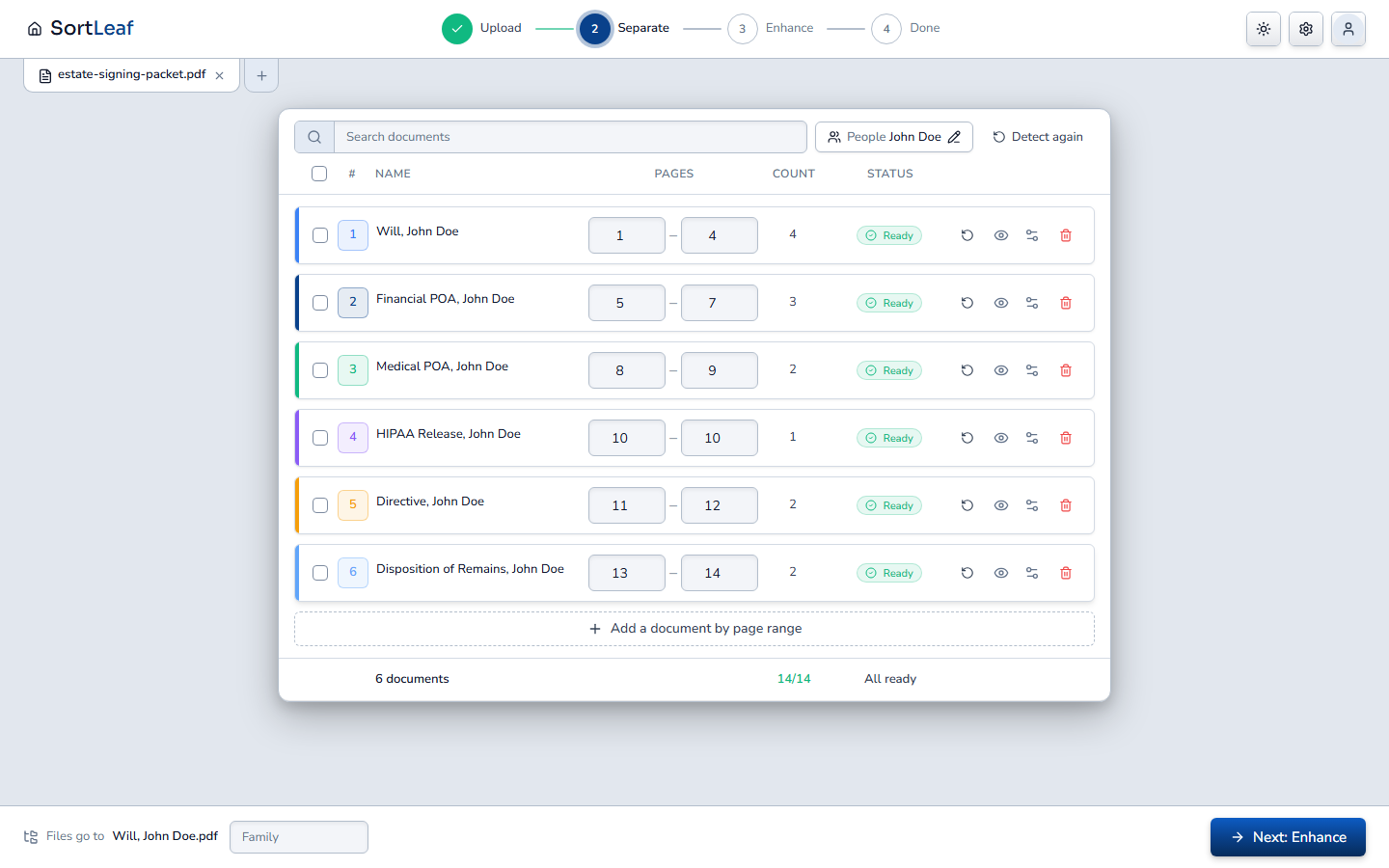
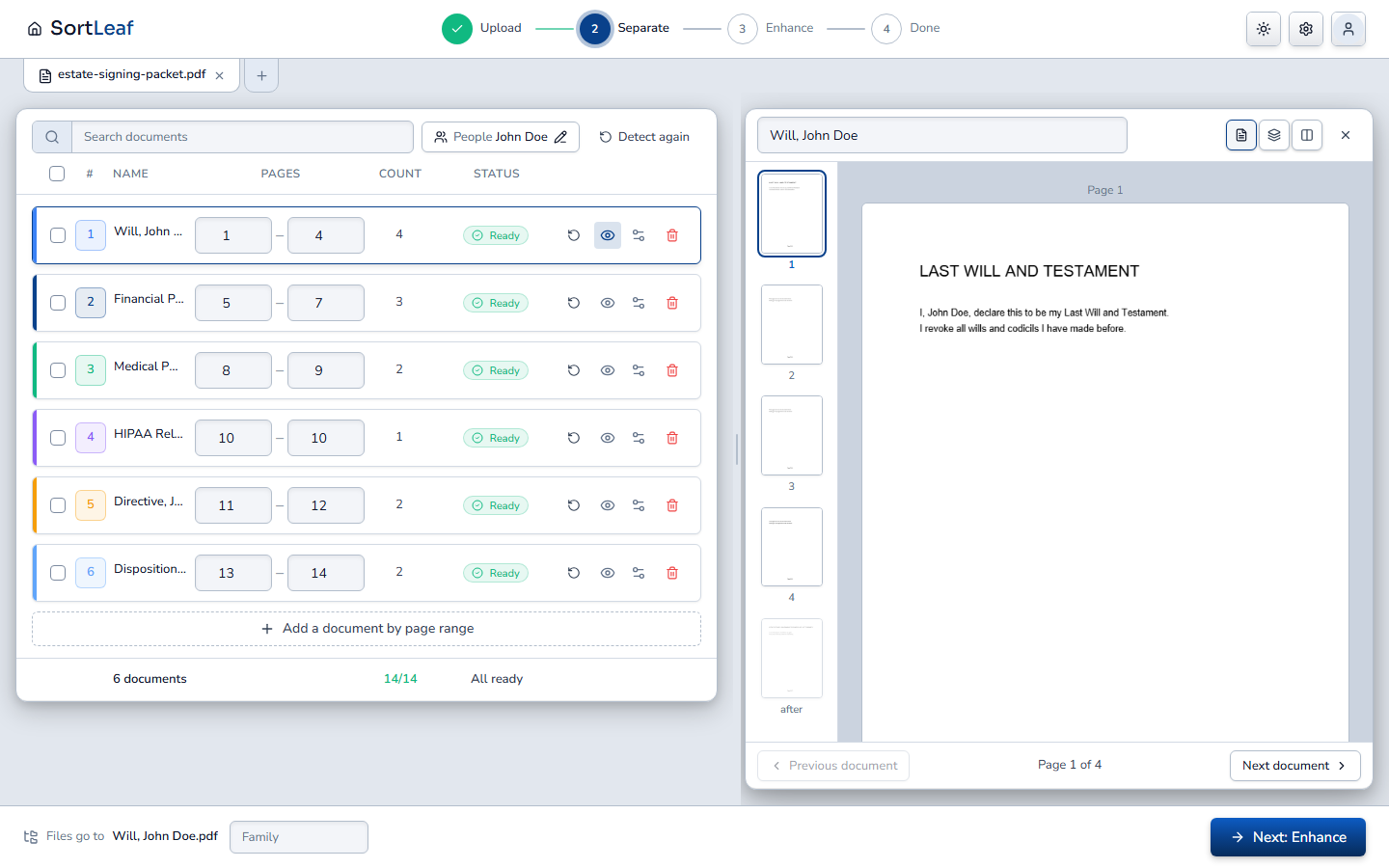
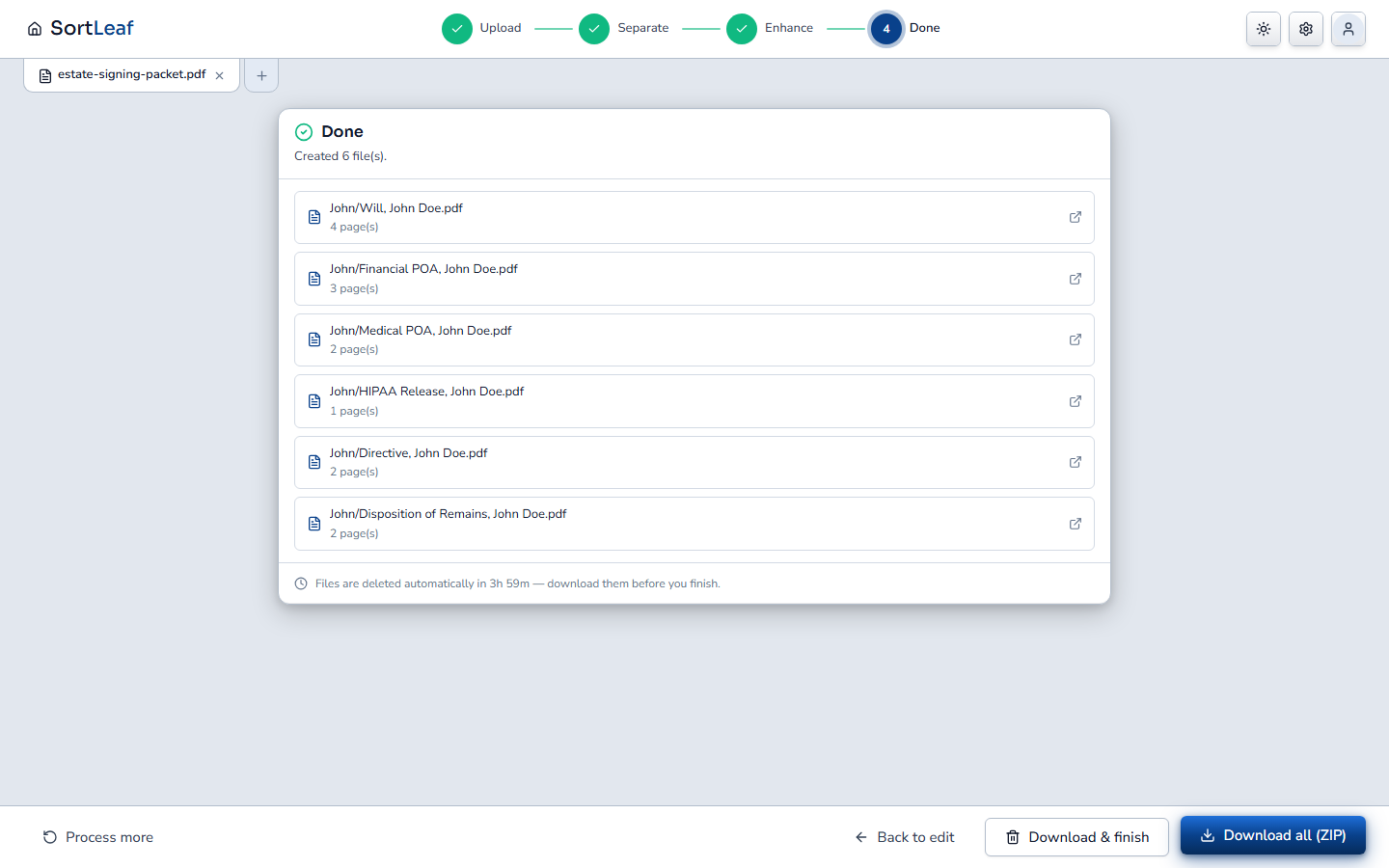
Every document inside, found and named your way
Your rules decide where each one starts and ends — its title, its page numbering, the layout of your forms. Each comes out named with your format and filed in your folders.
- Purchase Agreement, 12 Elm St.pdfpp. 1–9
- Addendum, 12 Elm St.pdfpp. 10–12
- Title Commitment, 12 Elm St.pdfpp. 13–24
- Seller Disclosure, 12 Elm St.pdfpp. 25–31
- + 5 more from the same 48 pages
Quality check
What needs a look is pointed out before anything goes out
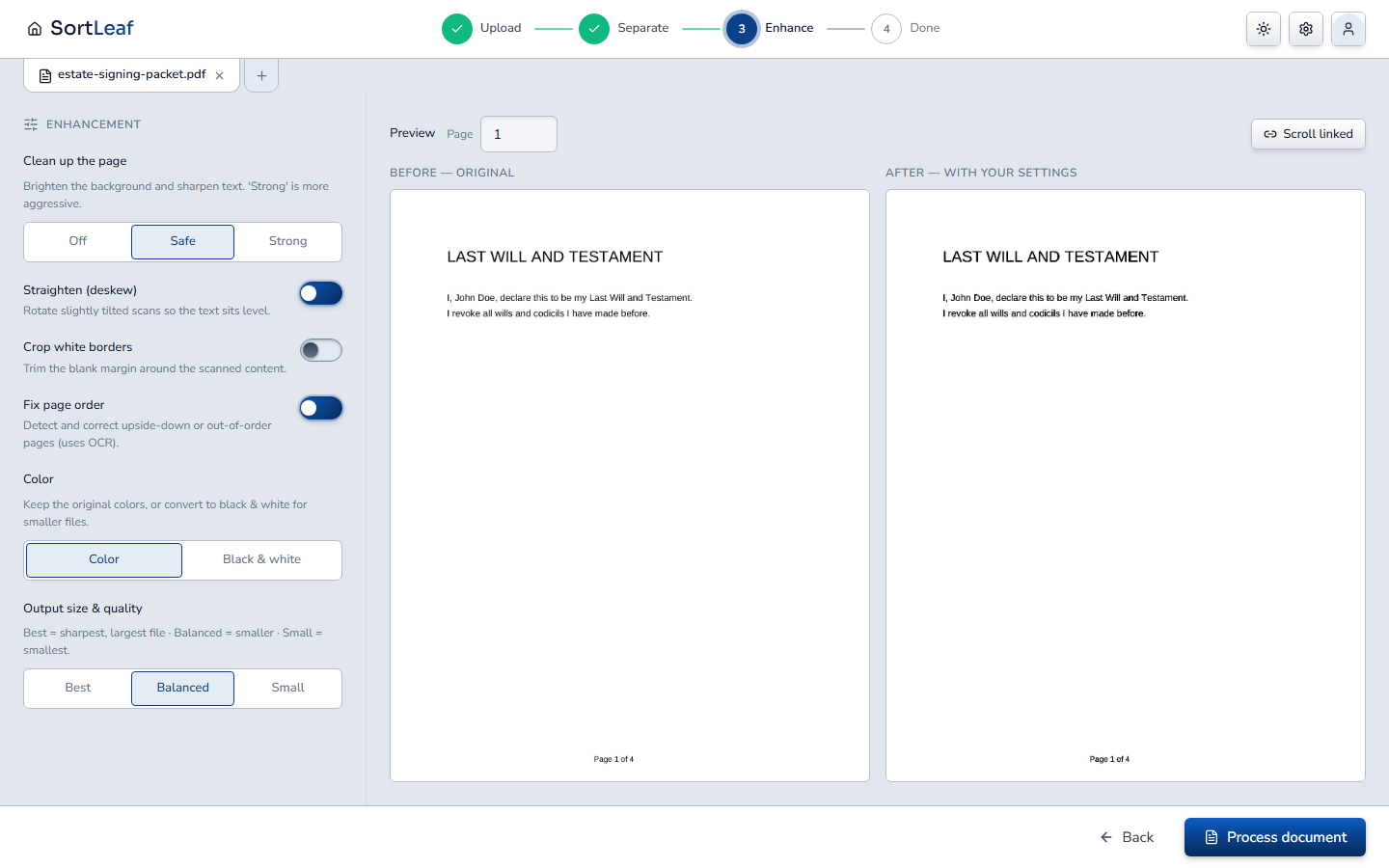
You see every warning on the list, in plain words, and confirm the review once. Scans are cleaned up too: straightened, brightened, cropped.
- Unsure documentsWith the reason, in plain words
- Gaps and overlapsPages in no document, or in two
- Unreadable pagesMarked "check this page", never dropped
- Cleaner scansStraightened, brightened, cropped
Signature check
Empty signature and initial boxes, caught early
On the forms you set up, SortLeaf looks at each signature and initial box. When it can't tell, it says "unsure" instead of guessing. It checks that a box is filled in — not who signed it.
See it
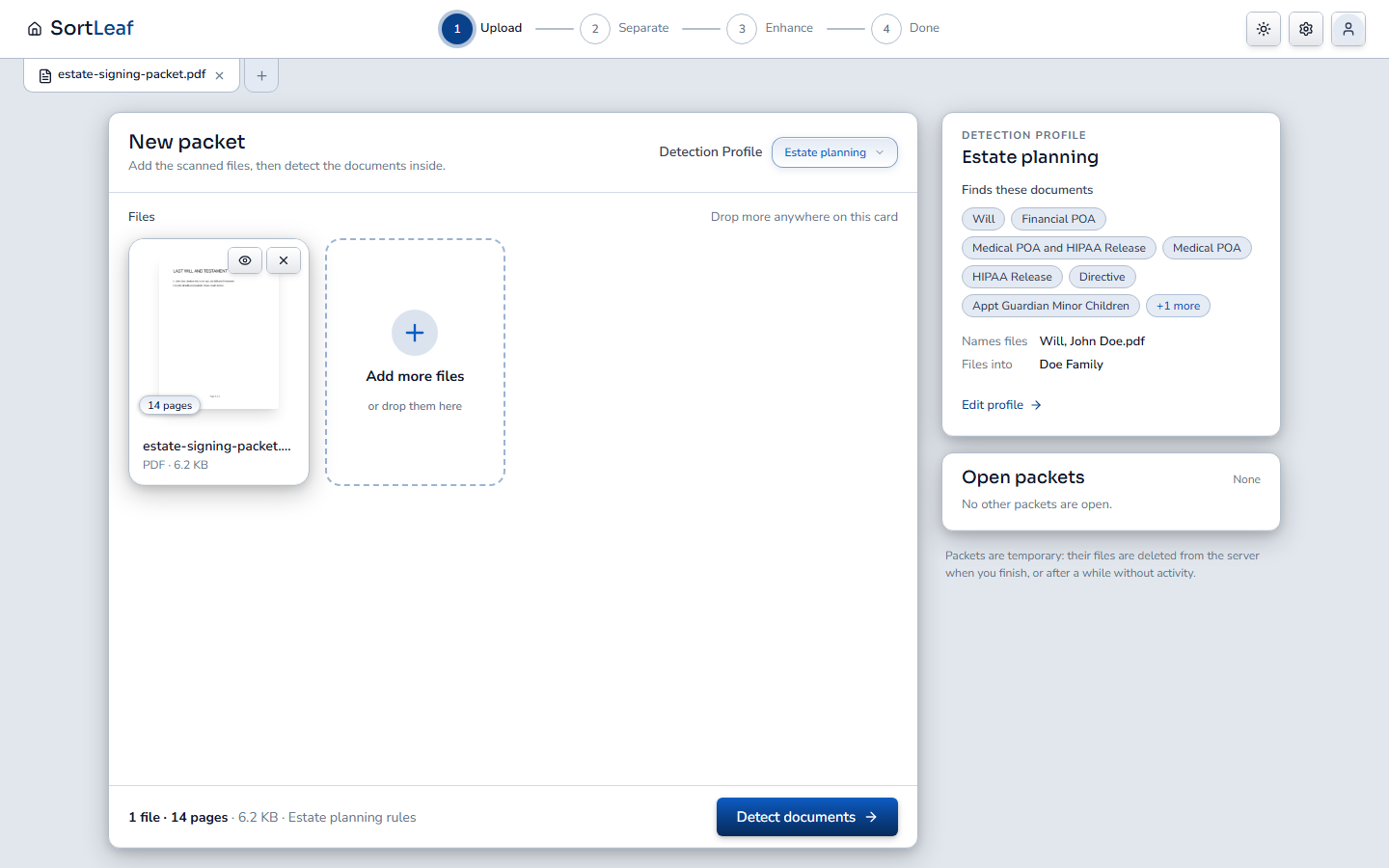
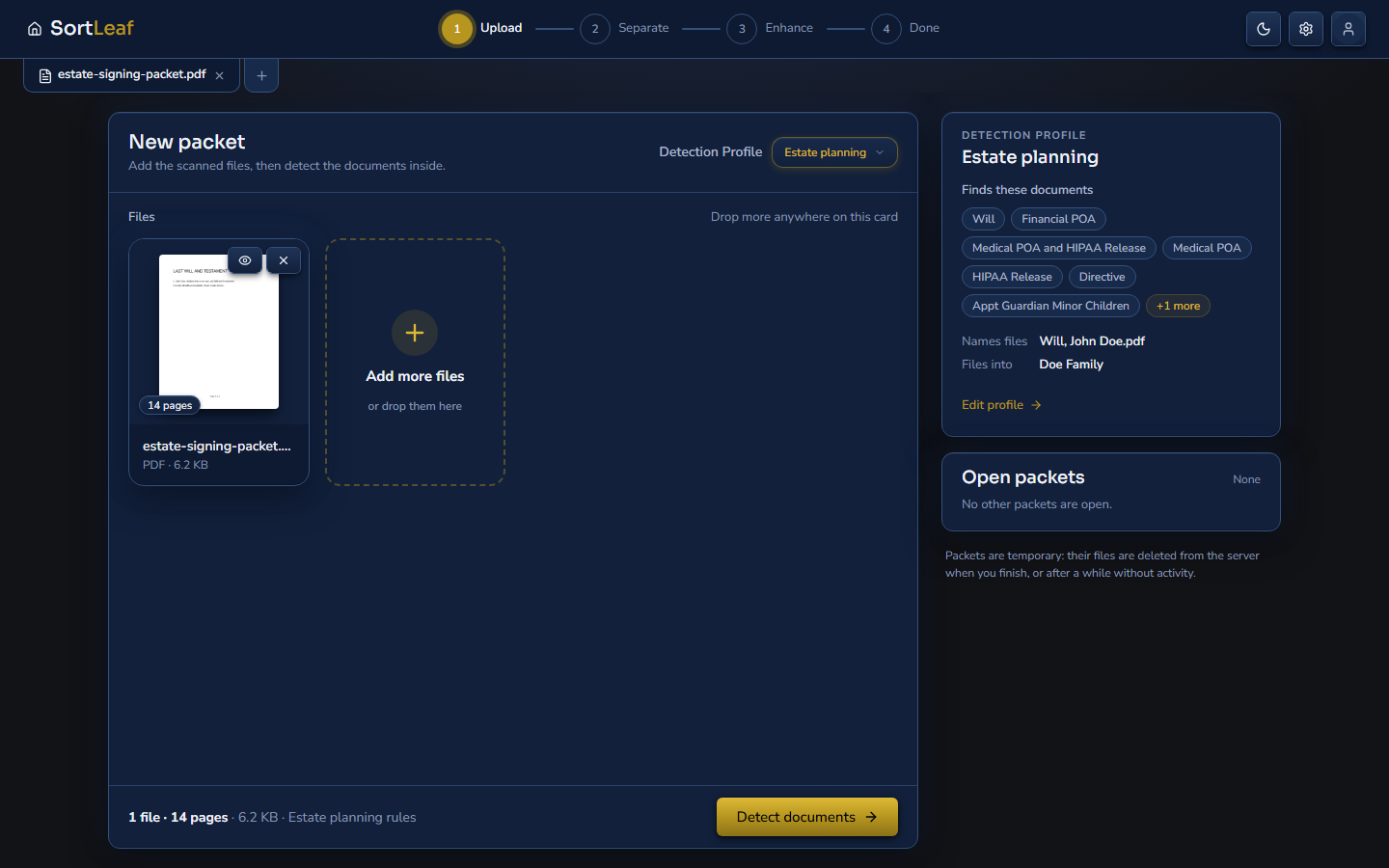
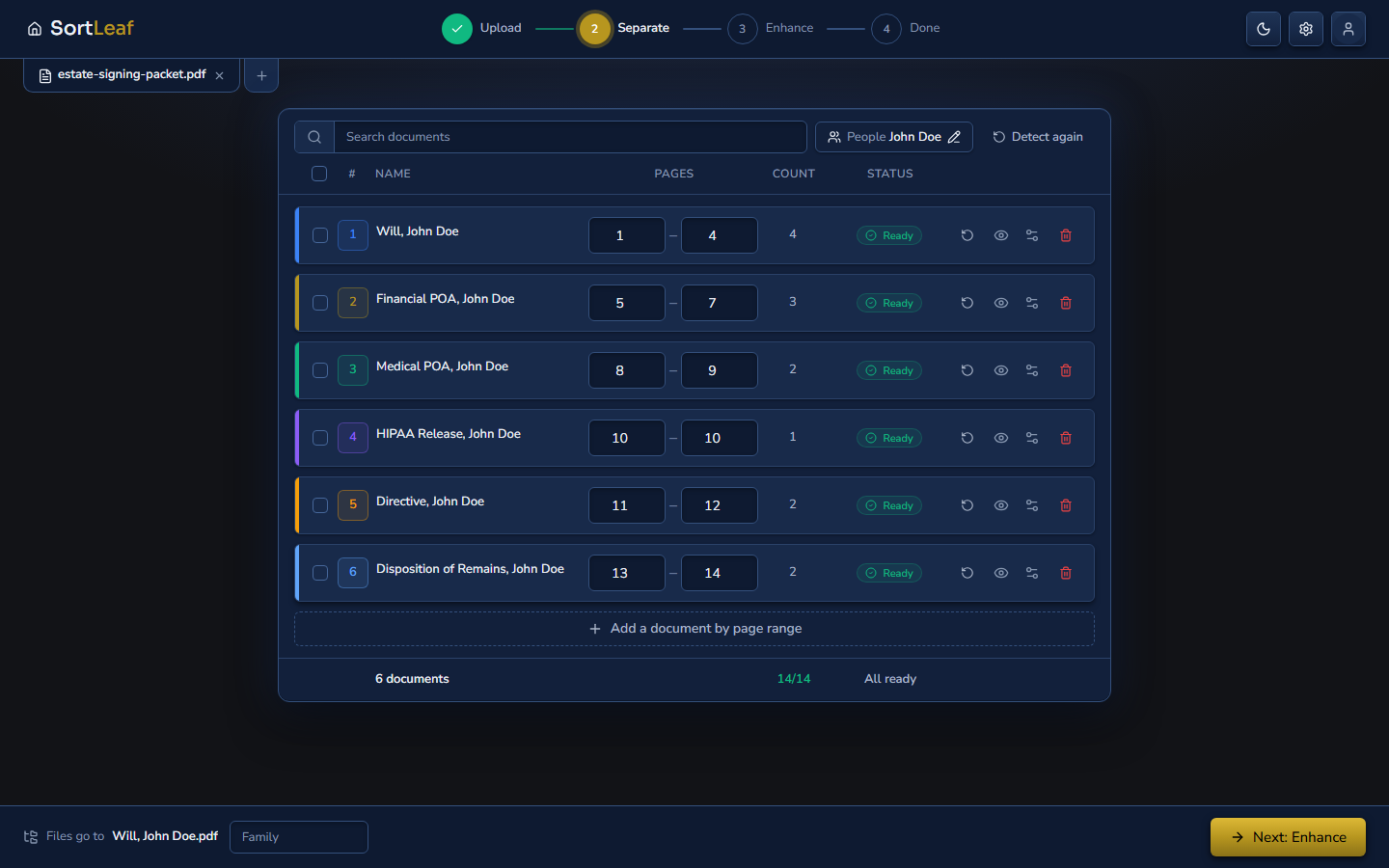
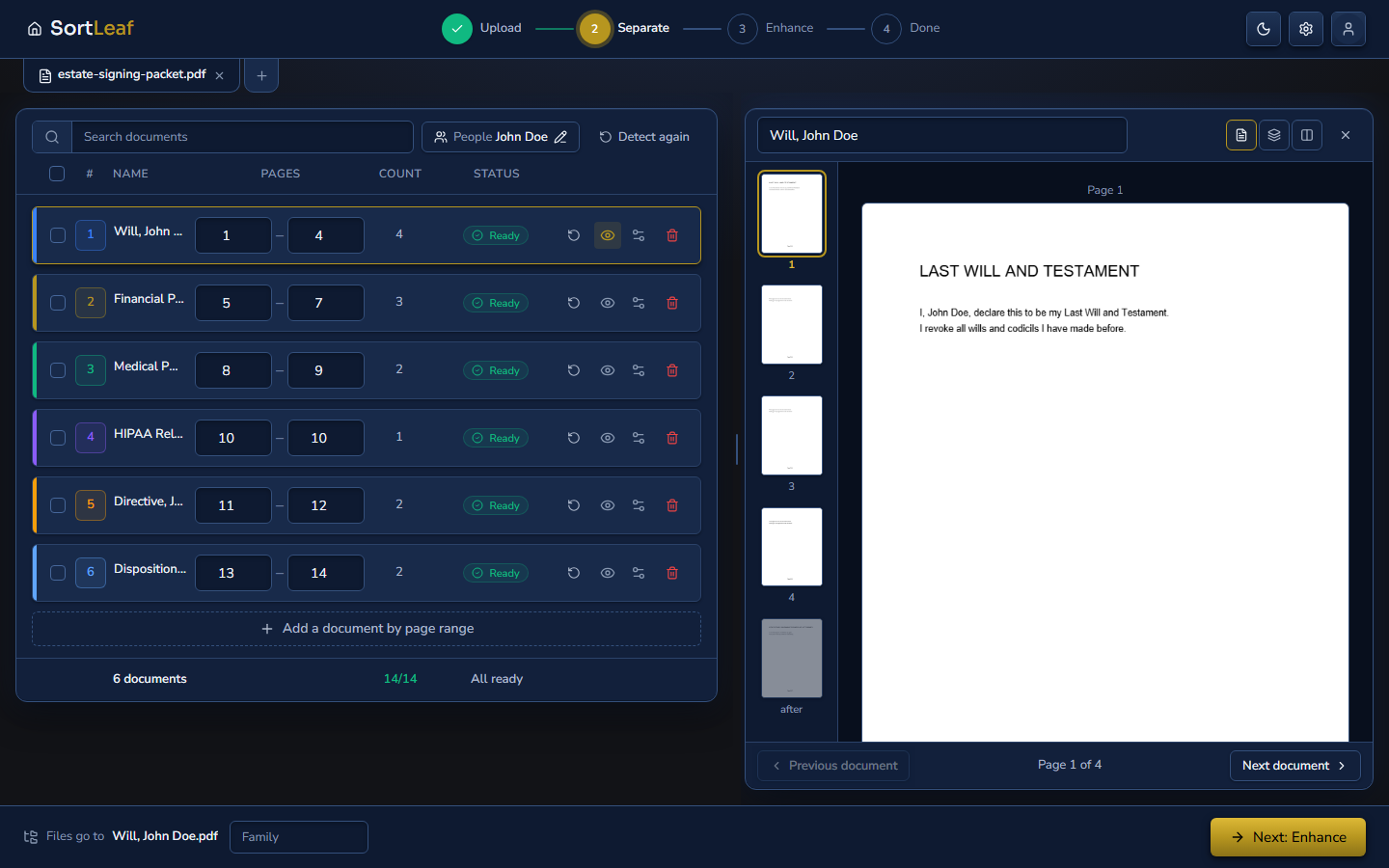
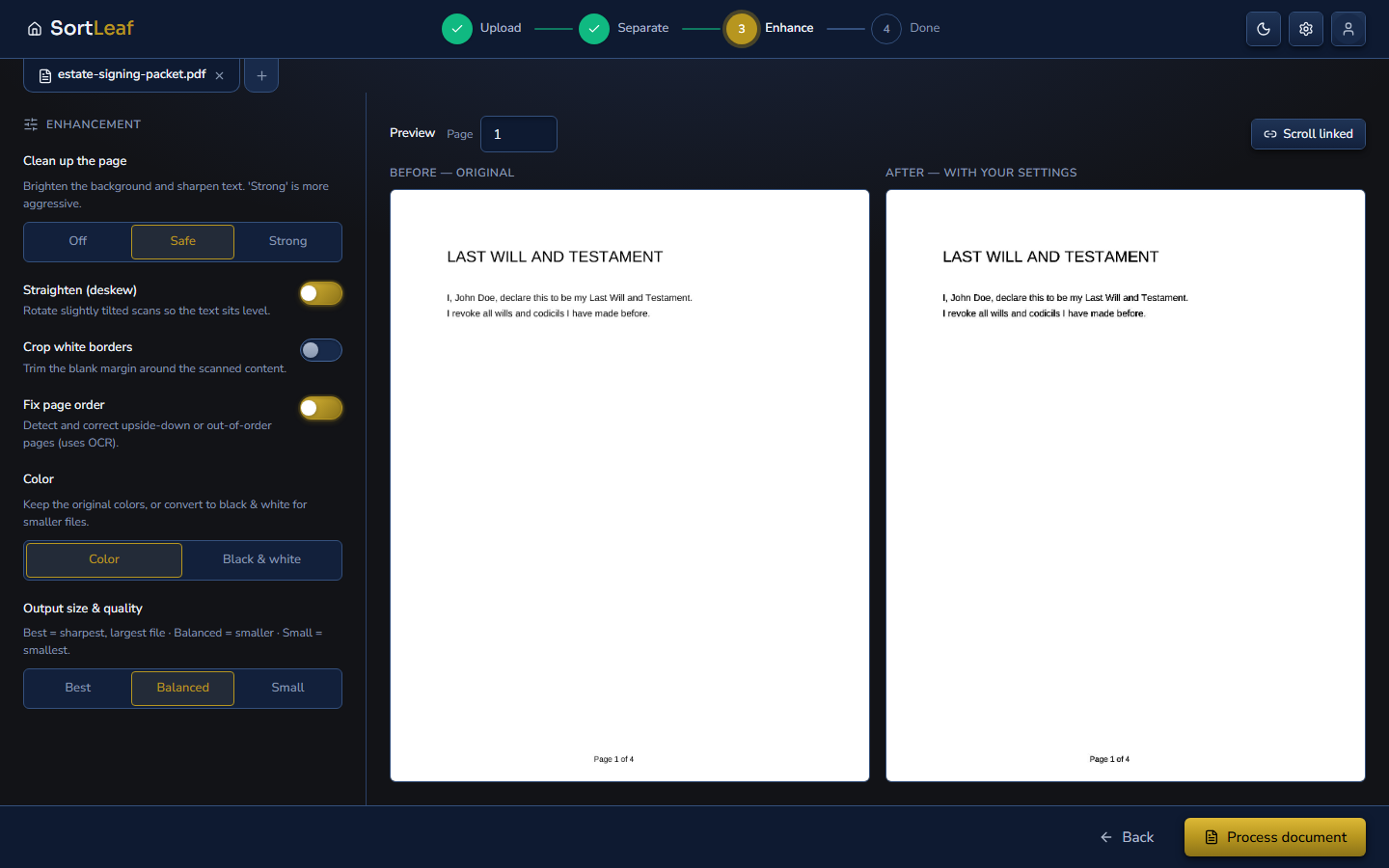
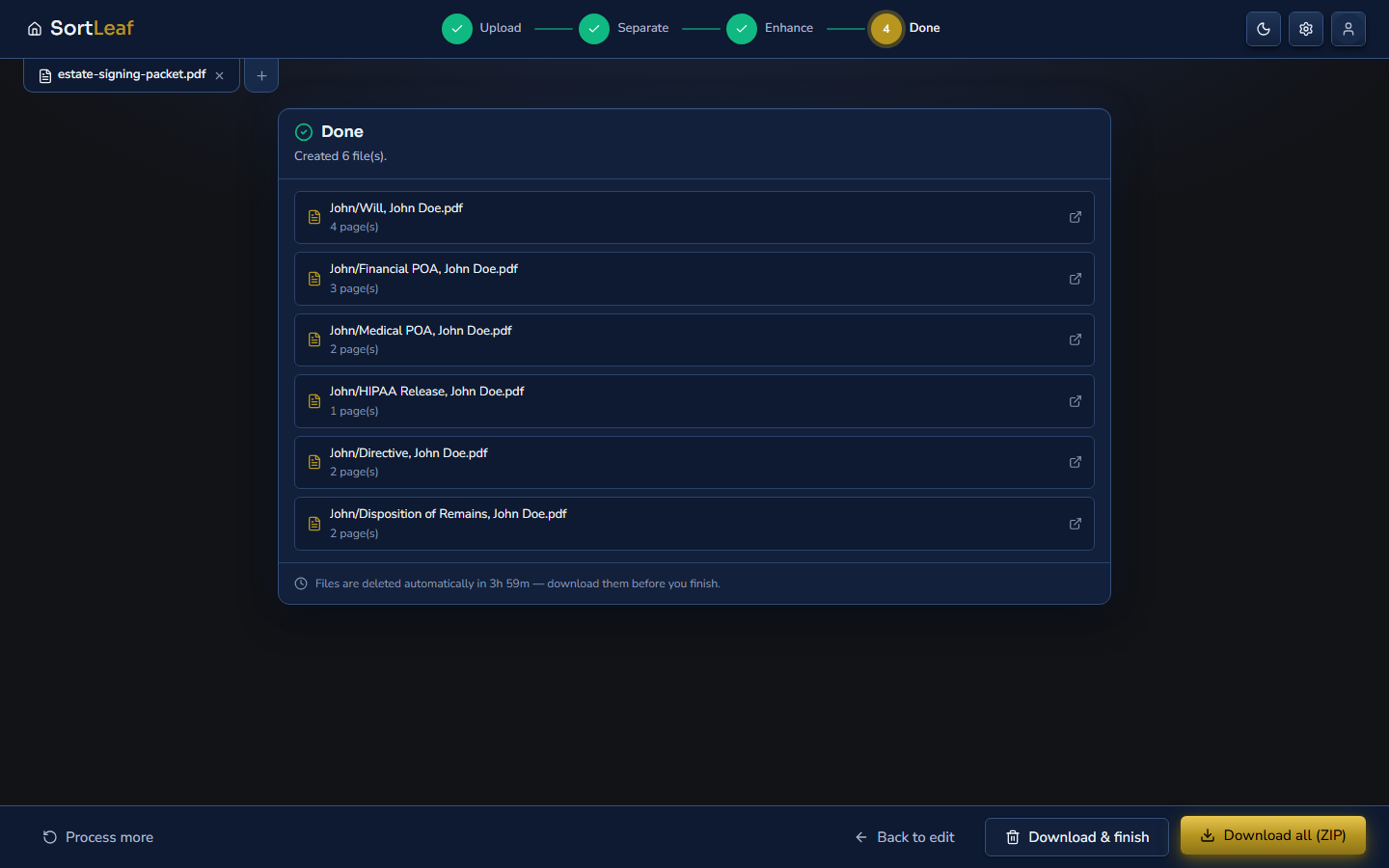
The app, step by step
SortLeaf's own screens, with a made-up packet.
Who it's for
Anyone with long legal documents
Law firms
Signing packets, case files
Title companies
Commitments, closing sets
Real estate
Contracts, addenda, disclosures
And more
Any office with combined PDFs
Private by default
- Deleted after 4 hours
- Your organization only
- Encrypted
- BAA in the app
See it on one of your own files
Book a 30-minute demo. Bring a long PDF (with names blacked out if you prefer) and watch it come back as named, checked documents.